Create the listing once.
Post it on autopilot.
HyperPoost gives growing sellers one place to build, schedule, and manage listings across Facebook Marketplace, eBay, Avito, Craigslist, and more, from one secure workflow on your machine.
- Built for Facebook, eBay, Avito, Craigslist & more
- First listing live in under 5 minutes
- Import a whole CSV at once
- Schedule, batch and relist
One window. Your whole operation.
- 01
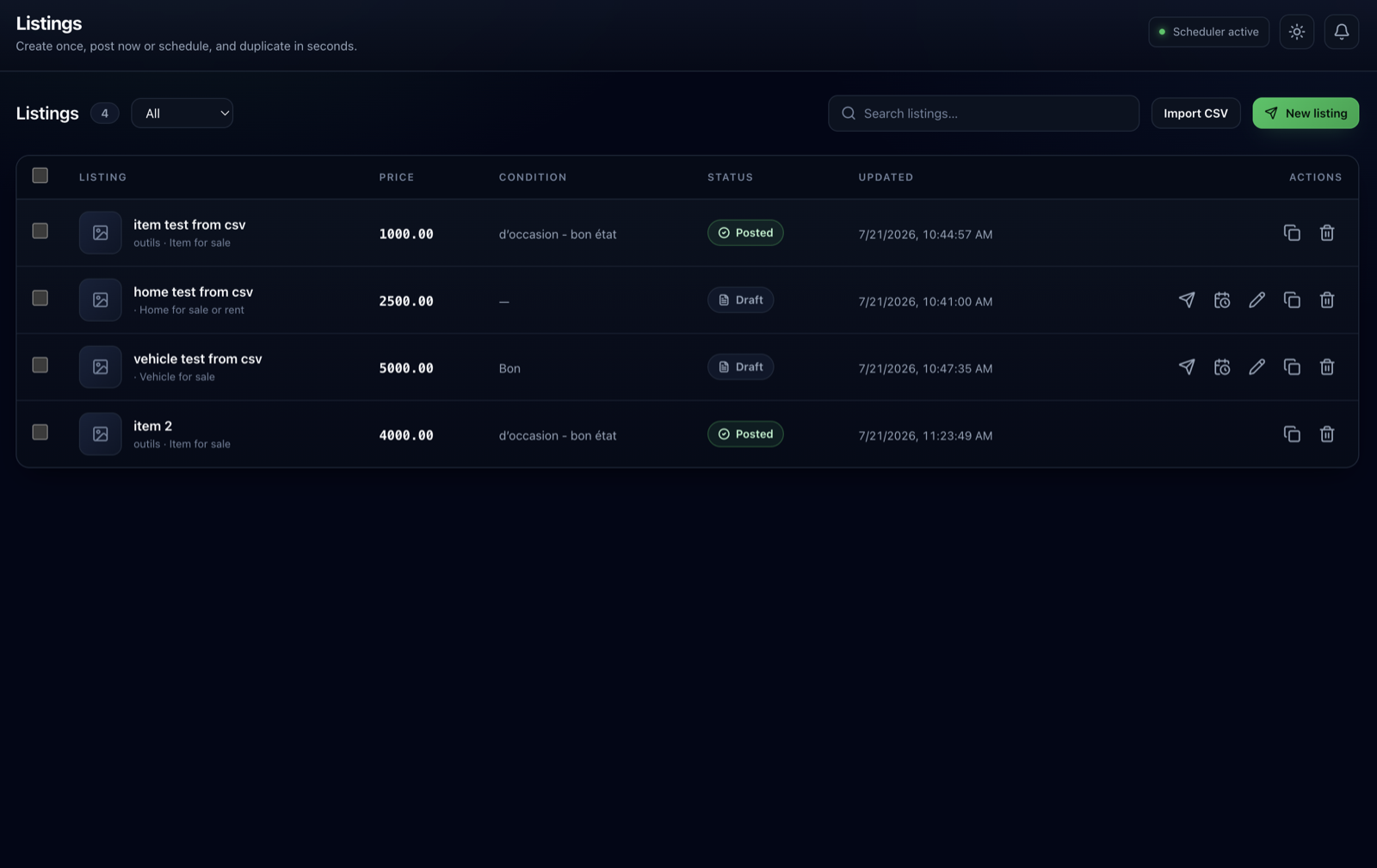
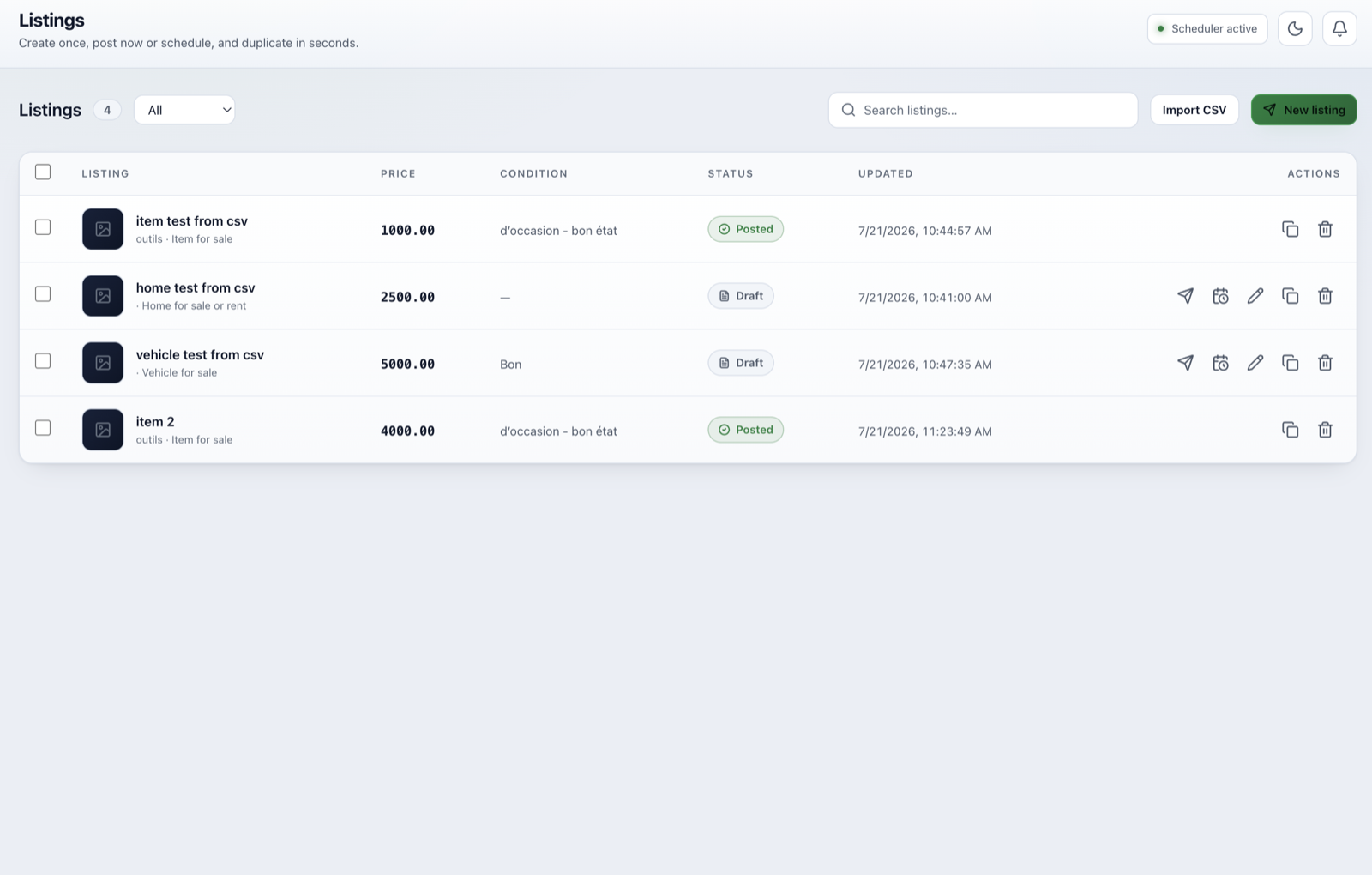
Listings
Build it once, or import a CSV.
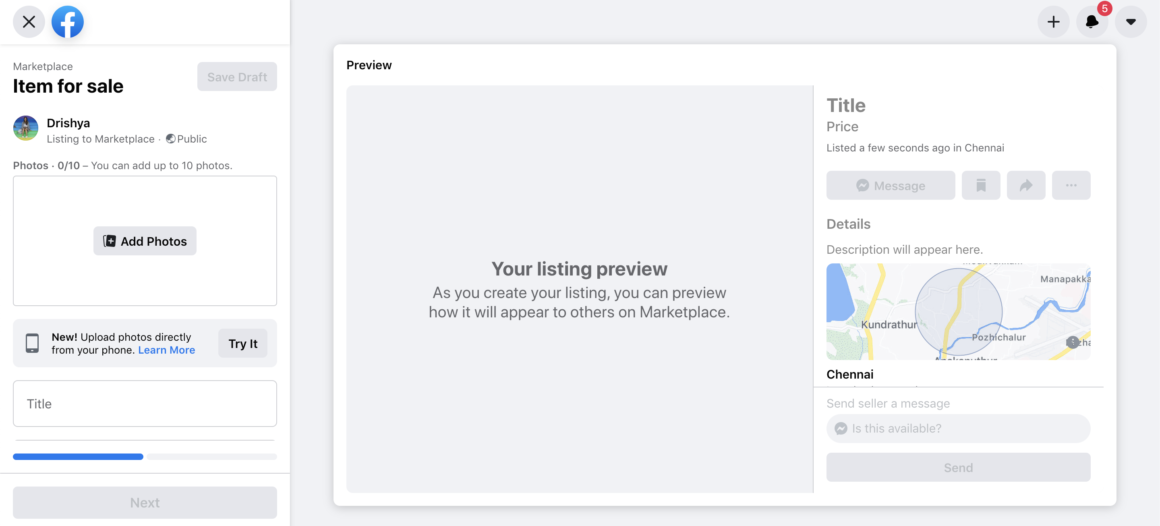
Create item, vehicle or rental listings from dynamic fields, or import a whole spreadsheet at once. Duplicate any draft in seconds and change only what differs.
- 02
Templates
Save a preset, reuse forever.
- 03
Schedules
Queue it, batch it, relist it.
- 04
Logs
See exactly what posted.
- 05
Accounts
Every account, calibrated.
One window. Your whole operation.
01 / Listings
Build it once, or import a CSV.
Create item, vehicle or rental listings from dynamic fields, or import a whole spreadsheet at once. Duplicate any draft in seconds and change only what differs.
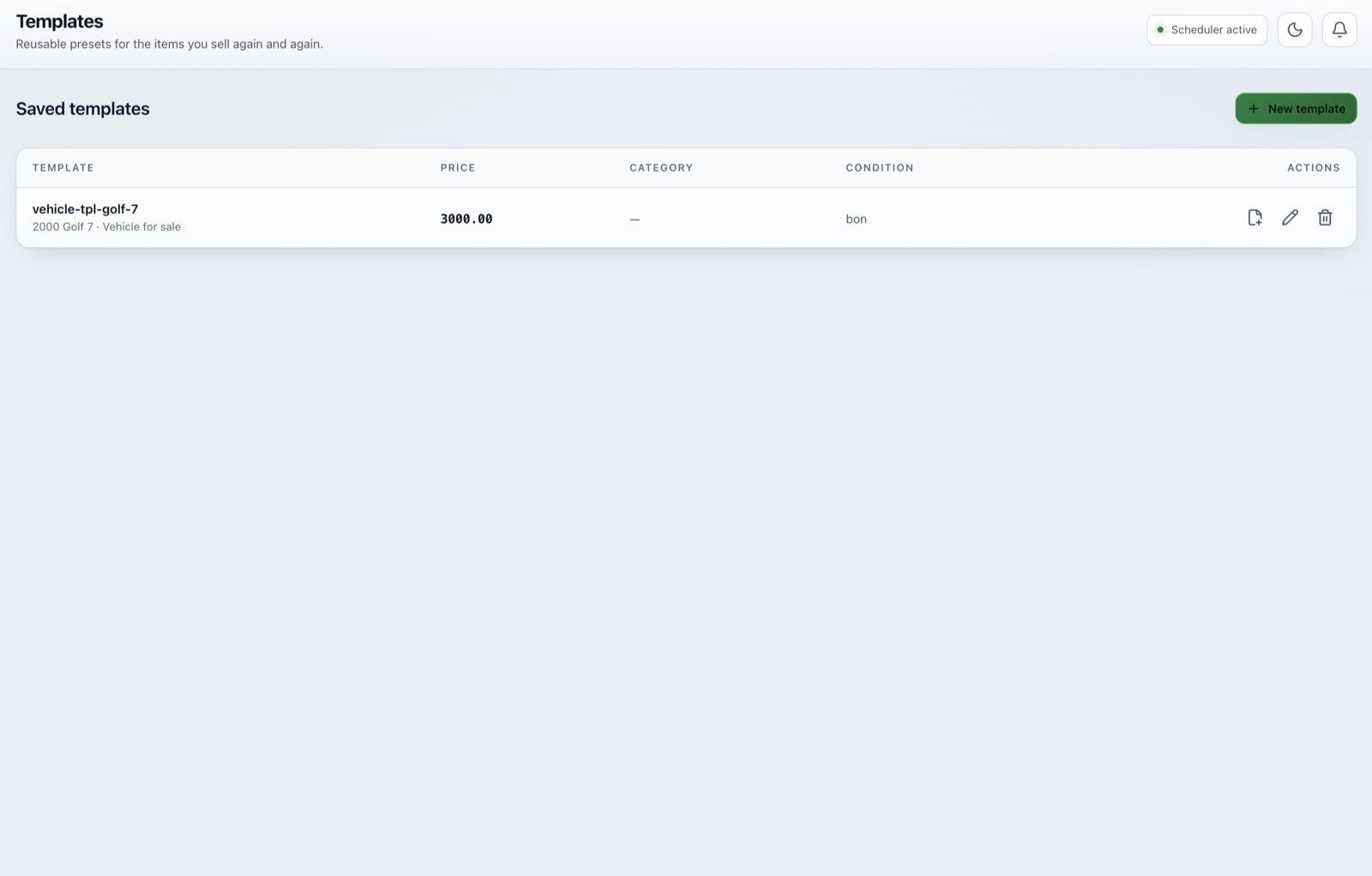
02 / Templates
Save a preset, reuse forever.
Turn the fields you repeat into a template. Every new listing of that type starts filled in, so you only touch what actually changes.

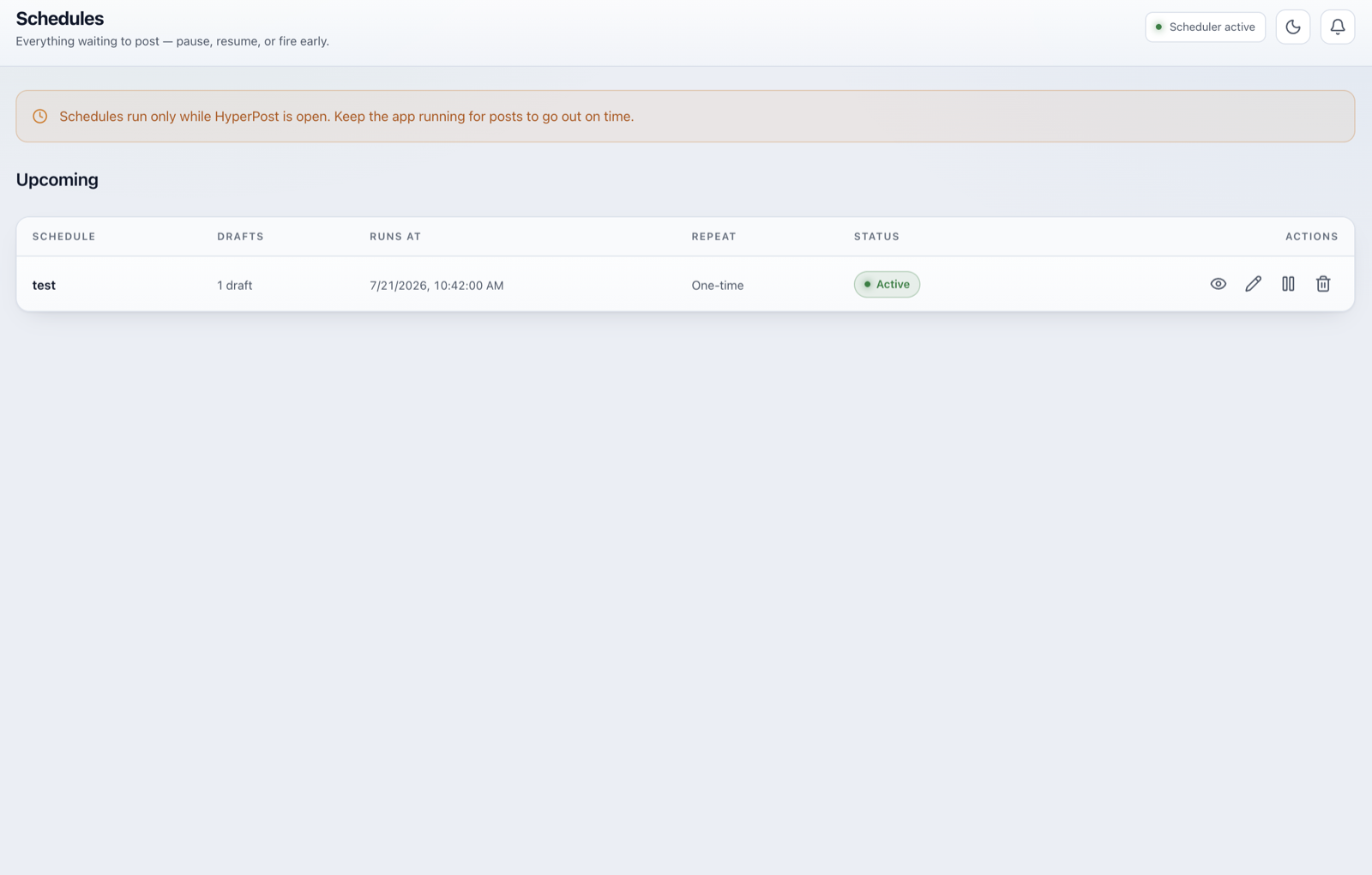
03 / Schedules
Queue it, batch it, relist it.
Post now, or schedule one-time, daily or weekly. Group many drafts into one schedule, then pause, resume, or fire early from a single view.

04 / Logs
See exactly what posted.
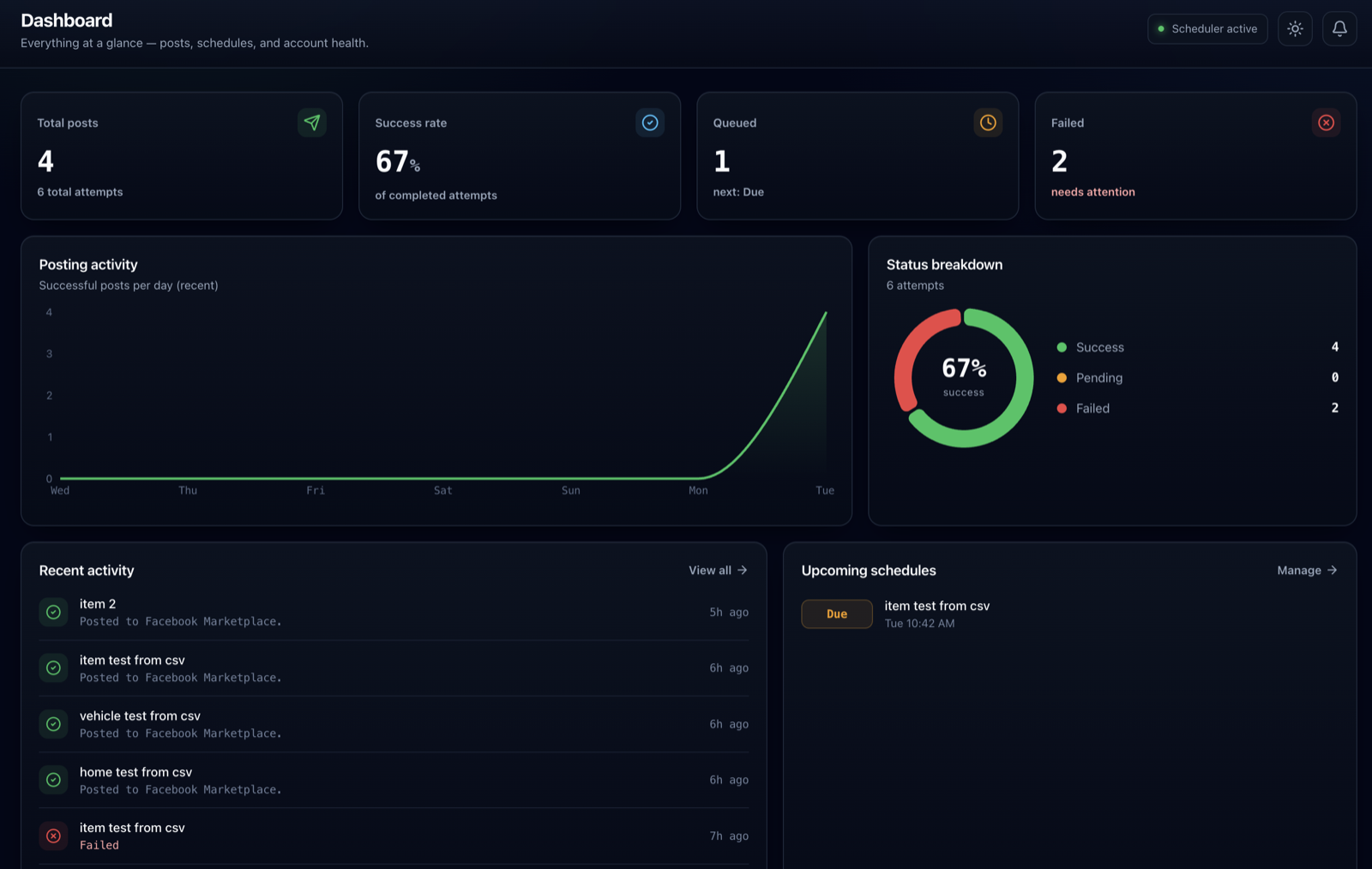
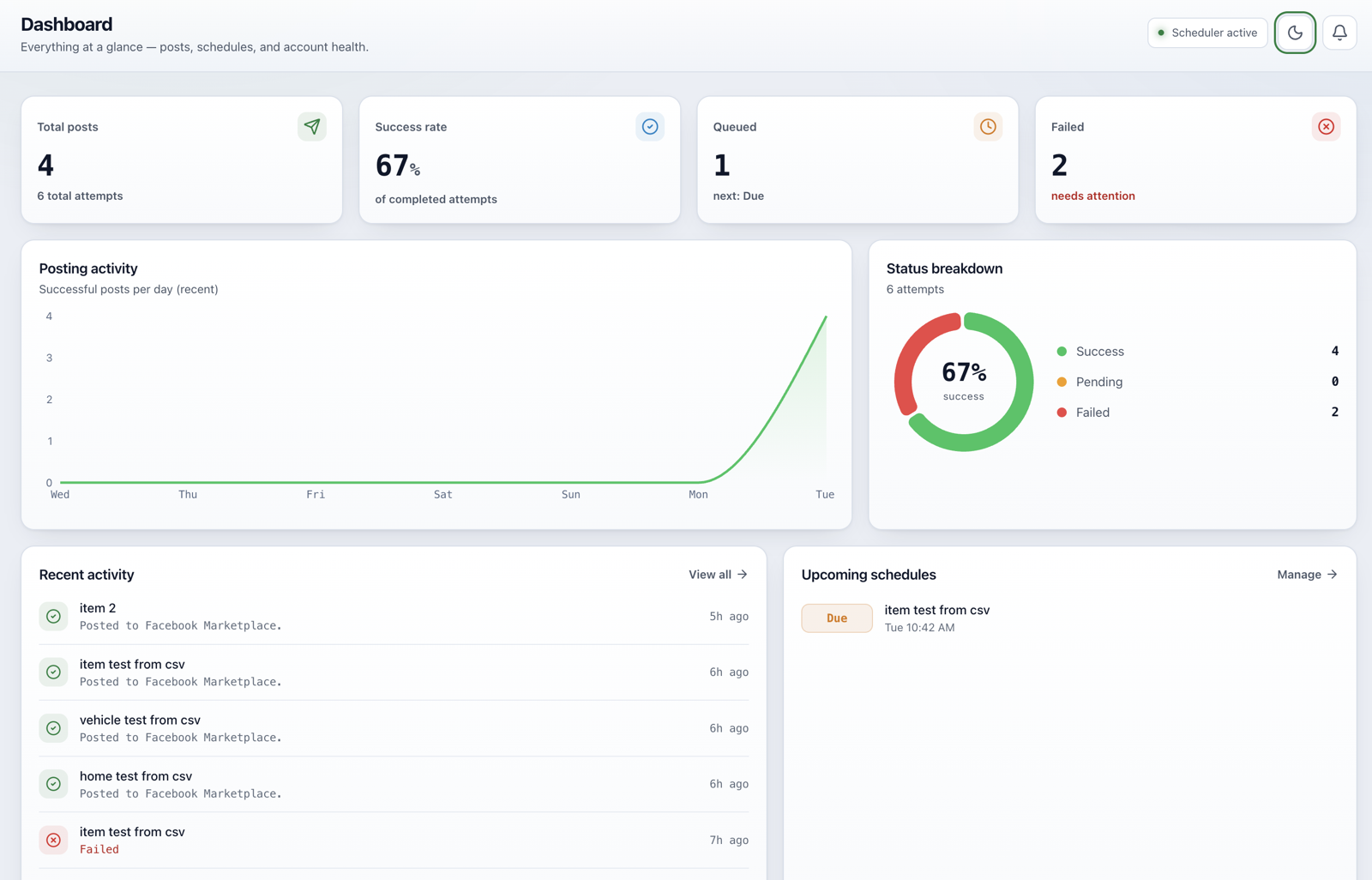
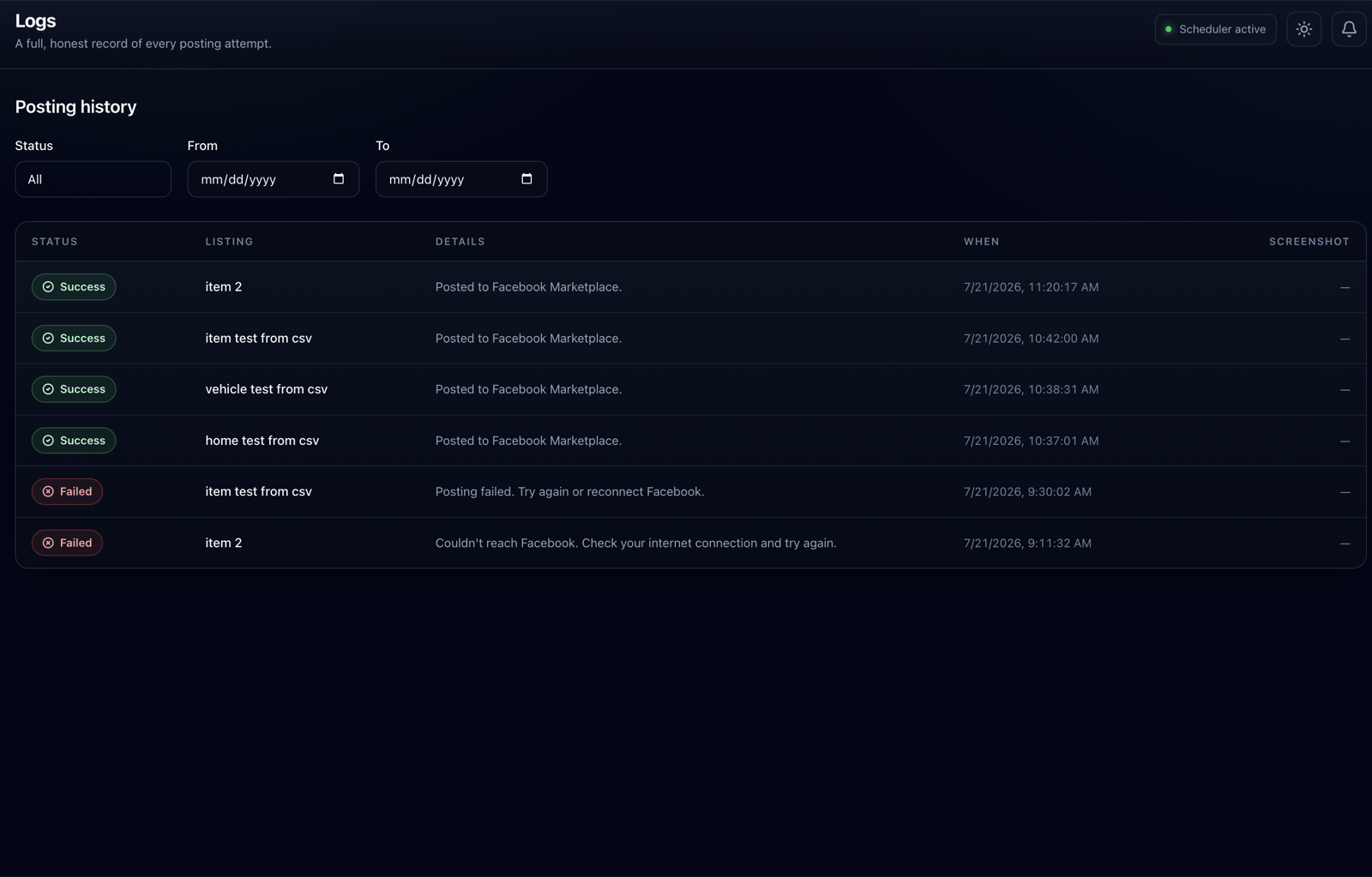
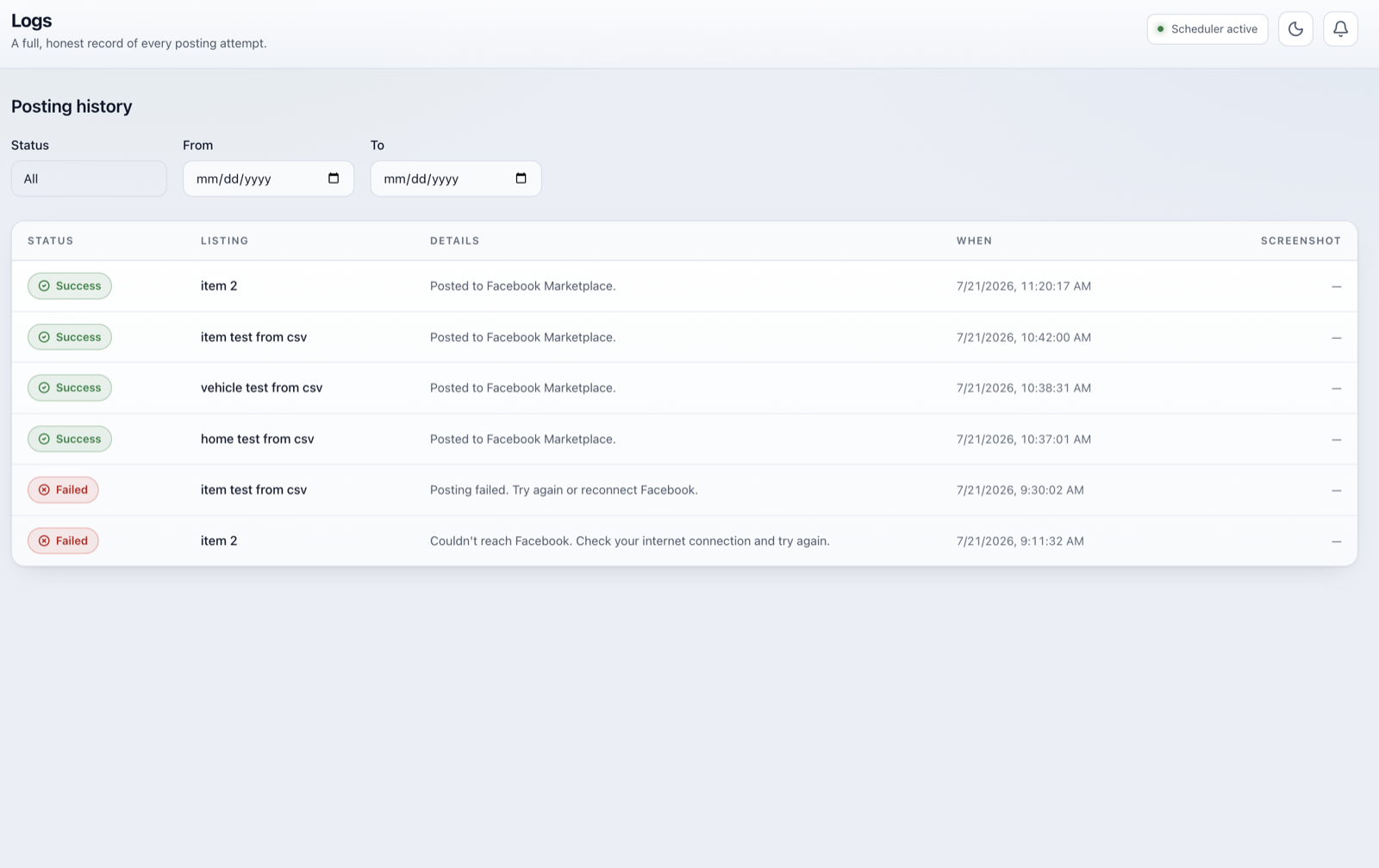
Every attempt is recorded as success, failed or pending, with a plain-language reason and an optional screenshot. Filter by status and date.
05 / Accounts
Every account, calibrated.
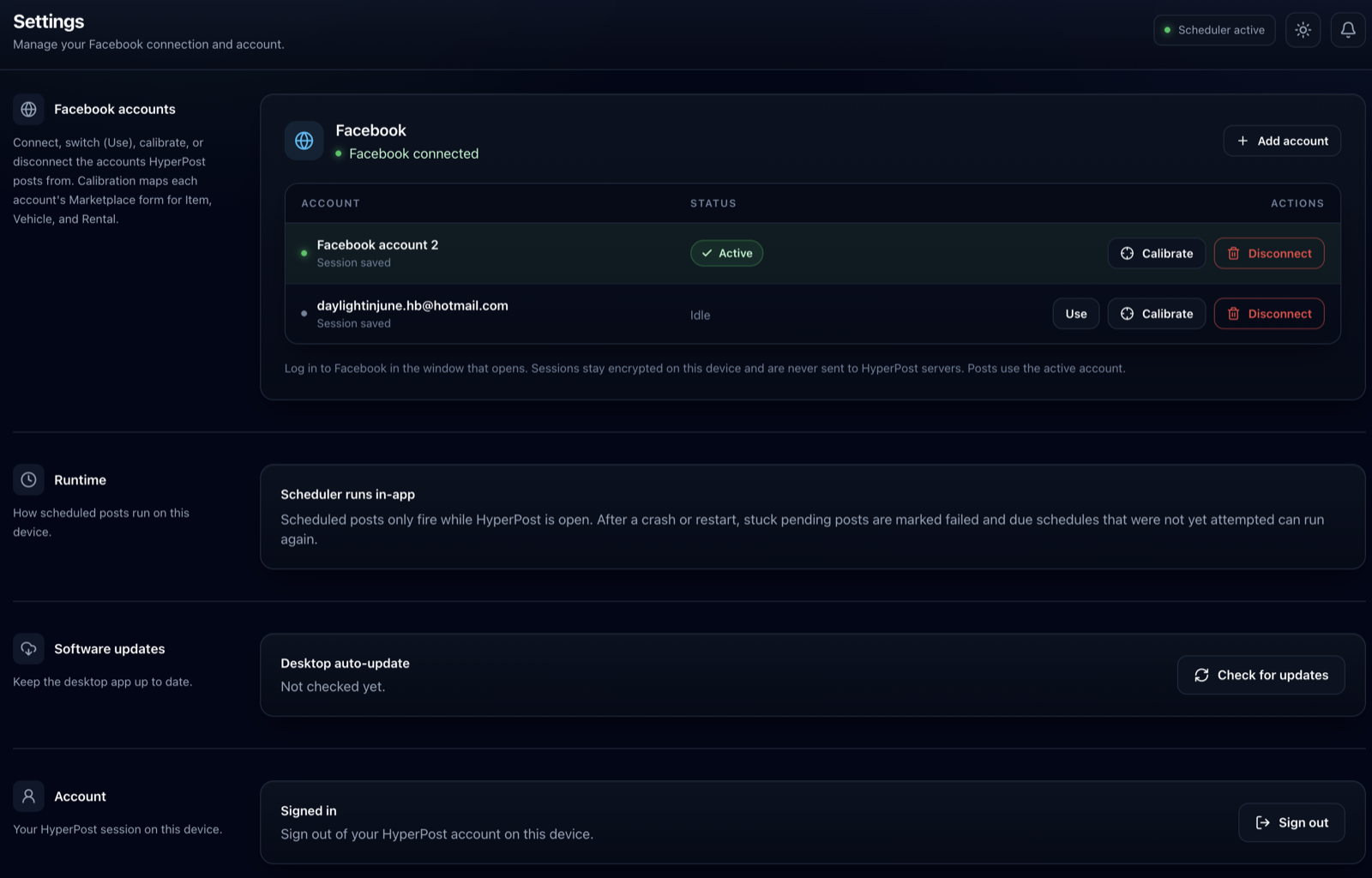
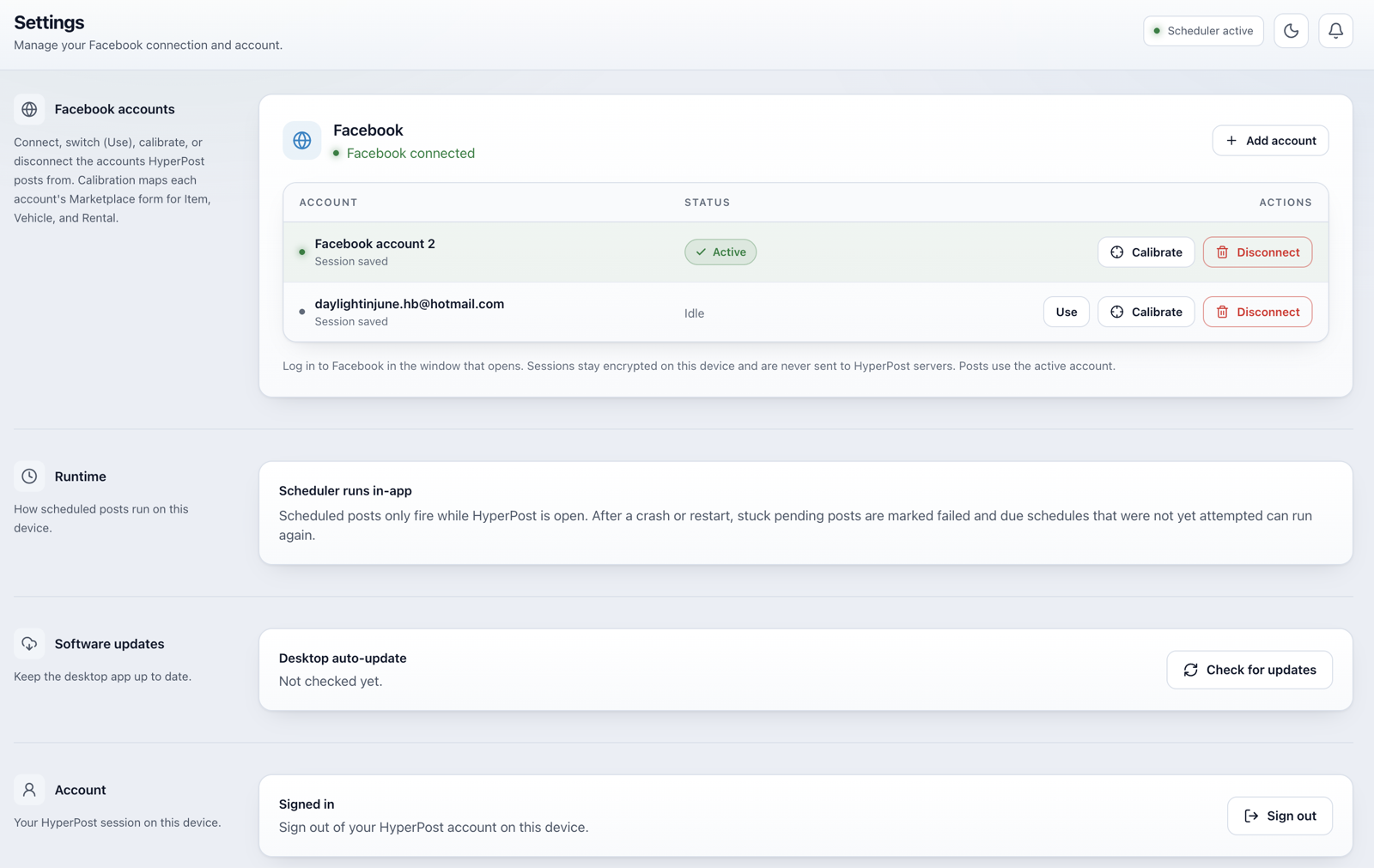
Connect your marketplace accounts and calibrate Facebook once so posting stays reliable when its form shifts. Sessions stay encrypted on your machine.
Everything a repeat seller needs
From the first draft to the posted result, HyperPoost handles the parts you would otherwise do by hand, dozens of times a week.
Import a whole CSV
Bring an entire spreadsheet of items, vehicles or rentals in one go. Headers are matched for you and every row is validated before anything is created.
Bulk post, schedule, delete
Select many drafts and act on all of them at once: post the batch, schedule it together, or clear it out. No one-by-one clicking.
Duplicate in seconds
Copy a near-identical listing and change only the photos or price.
Reusable templates
Save field presets for recurring item types so a new listing starts filled in.
AI-written descriptions
Draft a listing description with one click, then edit to taste.
Multiple accounts, calibrated
Connect several marketplace accounts, switch the active Facebook account, and calibrate it once so posting keeps working when its form changes.
Desktop notifications
A native ping the moment a post succeeds or needs your attention.
From install to live listing in four steps
No scripts, no spreadsheets, no browser extensions. Connect once, then let it run.
- 01 · Connect
Connect and calibrate
Connect your marketplace account in the app. Facebook uses a quick one-time calibration, and your session is encrypted locally.
- 02 · Build
Build or import
Create a listing, use a template, duplicate an old one, or import a whole CSV.
- 03 · Post
Post or schedule
Post now, or queue one-time, daily or weekly. Batch many drafts into a single schedule.
- 04 · Track
Track every result
Outcomes land in Logs with a clear result and optional screenshot, plus a desktop ping.
Your account. Your session.
Your machine.
HyperPoost is built around a simple principle: the sensitive part, your marketplace session, never leaves your computer.
Independent from marketplaces. There is no official marketplace posting API for most platforms, so HyperPoost automates the same steps you would take by hand, on your behalf, and only when you tell it to.
Runs on your machine
Posting happens locally through your own browser session. There is no HyperPoost bot logging into a marketplace from the cloud.
Session encrypted at rest
Your marketplace session is encrypted on disk with the OS keychain and never sent to our servers. Passwords are never logged.
Human-paced, never spammy
Posts go out at a natural, jittered rhythm. No bot-speed hammering, and no hidden retry loops behind your back.
Only posts as you
HyperPoost only publishes on behalf of the account owner. It is not a scraping or lead-gen tool, and it is not affiliated with any marketplace.
Built for people who post the same things, all the time
If you list similar items again and again, HyperPoost turns an hour of clicking into a few seconds of setup.
Car dealers
Rotate inventory across marketplaces and relist vehicles on a schedule without the daily grind.
Furniture and electronics
List dozens of similar SKUs fast by importing a CSV or duplicating a proven draft.
Small businesses
Keep a rotating catalogue live with templates, batched schedules and a clear posting log.
High-volume sellers
Anyone who posts the same kinds of items again and again, without repeating the manual form.
The tools, or a team behind them.
Run your own marketplace workflow with HyperPoost, or bring in our team to manage growth with you.
Self-Managed
HyperPoost App
Get access to HyperPoost and manage your own listings, marketplace accounts, and account growth.
What's included
- Create, import and schedule listings
- Manage your own accounts and posting workflow
- Stay in control of what and where you post
Full Service
HyperPoost Managed Growth
Our team manages the process and focuses on growing your visibility and leads with you.
What's included
- Account and listing management
- Ads, cities and market targeting
- Competitor saturation and ongoing optimization
Built for sellers on Facebook Marketplace, eBay, Avito, Craigslist, and similar markets. The same workflow scales as more marketplaces land.
Not sure which path fits?
Tell us what you sell and where you want to grow, and we will point you at the right plan. Fastest way to reach us is WhatsApp.
Typically replies within a few hours.
Questions, answered honestly
The short version: it is your account, your session, your machine.
- Is HyperPoost safe to use with my marketplace account?
- It uses your own authenticated browser session, running locally, the same way you would post by hand. It types at a natural, human-like pace, never retries silently, and only acts on your behalf.
- Do you store my marketplace password or session?
- No. Your session is encrypted at rest on your own machine with the OS keychain and is never sent to our backend. The backend only stores your listings, templates, schedules and history so they sync across your devices.
- Do I have to leave the app open for scheduled posts?
- Yes. Scheduling runs inside the app, not in the cloud, so the desktop app needs to be open at the scheduled time. If it was closed, the app recovers cleanly on the next launch and tells you what it missed.
- What is calibration, and why do I need it?
- HyperPoost learns each marketplace account's listing form in a quick guided step. That calibration keeps posting reliable when a marketplace shifts its layout, and the app re-runs it automatically if something drifts.
- Is this an official marketplace product?
- No. HyperPoost is independent and is not affiliated with, endorsed by, or sponsored by Facebook, Meta, eBay, Avito, Craigslist, OLX, or any other marketplace. It automates the browser steps you would take yourself.
- Which platforms does it support today?
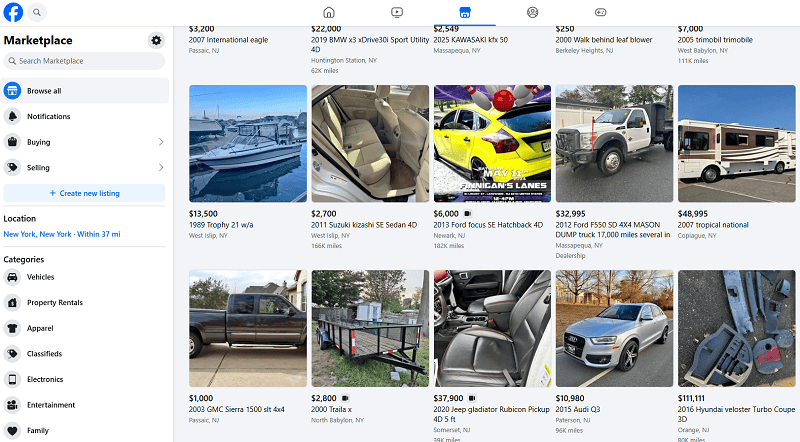
- HyperPoost is built for sellers who post across Facebook Marketplace, eBay, Avito, Craigslist, OLX, and similar marketplaces. Facebook Marketplace is fully supported today, including CSV import, bulk actions, AI-written descriptions, and multi-account posting. More marketplaces are expanding on the same workflow.
Stop retyping listings. Start posting on autopilot.
Create your account, post across marketplaces from one workflow, and grow with HyperPoost as Facebook Marketplace, eBay, Avito, Craigslist, and more come online.